You can use the search bar at the top of the page to find services, activities, or organisations.
Type a key word in the search bar
Type in a keyword, such as home care or youth clubs.
This search box is available on the home page and on the directory page.
Using a postcode
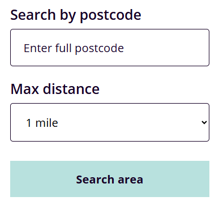
Just looking for what’s in your area? Enter your postcode to see services near you, and set the distance radius to control how far the search goes.
Filtering your search results
You can also narrow down your results using the filters on the left-hand side, such as age group, area of county and who the support is for.

Viewing on the map
You can also view your search results on a map by using the ‘Show/Hide Map’ button.


The map is interactive, and you can click on the pins to open service listings directly.
All of these search options can be used together to help you find exactly what you’re looking for.